

Upcoming Next Gen Learning Events
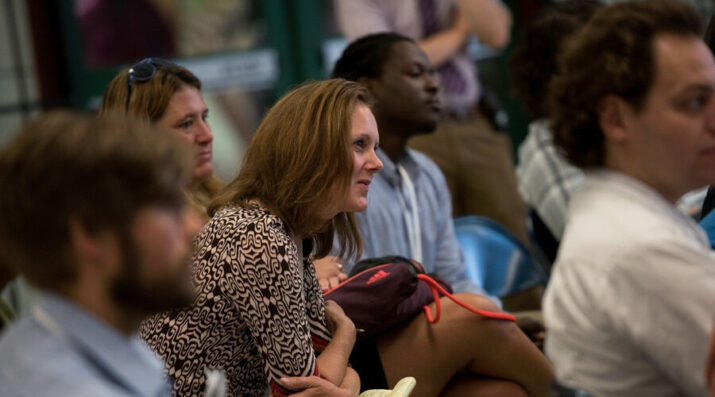
There are many opportunities to connect with fellow educators who are passionate about next gen learning.
Activate Your Portrait of a Graduate with NGLC
On June 13 and July 19, 2023, NGLC hosted a 1-hour workshop to help school communities activate their own graduate portrait. Participants were introduced to best practices drawing upon NGLC's decade of experience working with schools and districts that are bringing their vision for student success to life. Participants then explored resources, tools, and advice from The Portrait of a Graduate in Practice and guest speakers—June 13: Nicole Allard, Vista Unified School District; July 19: Theresa Ewald, Kettle Moraine School District (ret.).
Additional Events
NGLC does not plan or run or endorse the following events. Chances are, though, that you will find us there. We invite you to join teachers, school leaders, and district and CMO administrators who are reimagining education by getting involved in these events. Join our mailing list to learn when NGLC organizes a session or hosts meetups at these events. See you there!
Aurora Institute Symposium
This conference is an annual gathering around K-12 competency-based, blended, and online learning. The event, run by one of NGLC’s founding partners, is held in the fall, typically October. Educators, ed leaders, experts, and researchers navigate through 200+ sessions. NGLC often organizes a session or two and hosts a reception. You will find many NGLC grantees in attendance and presenting, alongside other innovative educators and partners. A highlight is a student panel plenary, reminding us why next gen learning is so important. And we value the Aurora Institute's ongoing commitment to making equity an integral conversation throughout the event. Learn more.
SXSW EDU Conference & Festival
This annual event in Austin, Texas takes its cues from the iconic entertainment, culture, and technology festival it precedes each year. Held in March, attendees participate in a mix of the traditional sessions and workshops with more unique learning experiences like startup competitions, interactive exhibitions, film screenings, and more. SXSW EDU attracts educators as well as people from business and industry, government and non-profits, even students. This diversity and the “Keep Austin Weird” vibe makes it easy to be creative and embrace the innovative spirit. It's the right kind of environment for next generation educators to learn, connect, and rejuvenate their own innovative spirit. Learn more.
ASU + GSV Summit
An annual conference in the springtime, the Summit brings together people who are committed to innovation in learning and human capacity/talent at scale. Educational technology is part of the conversation here. Big ideas are the norm at this event and you’ll be surrounded by inspiring people who want to change the world. Learn more.
Check out the Next Gen Learning SuperLab run by NGLC at ASU/GSV.